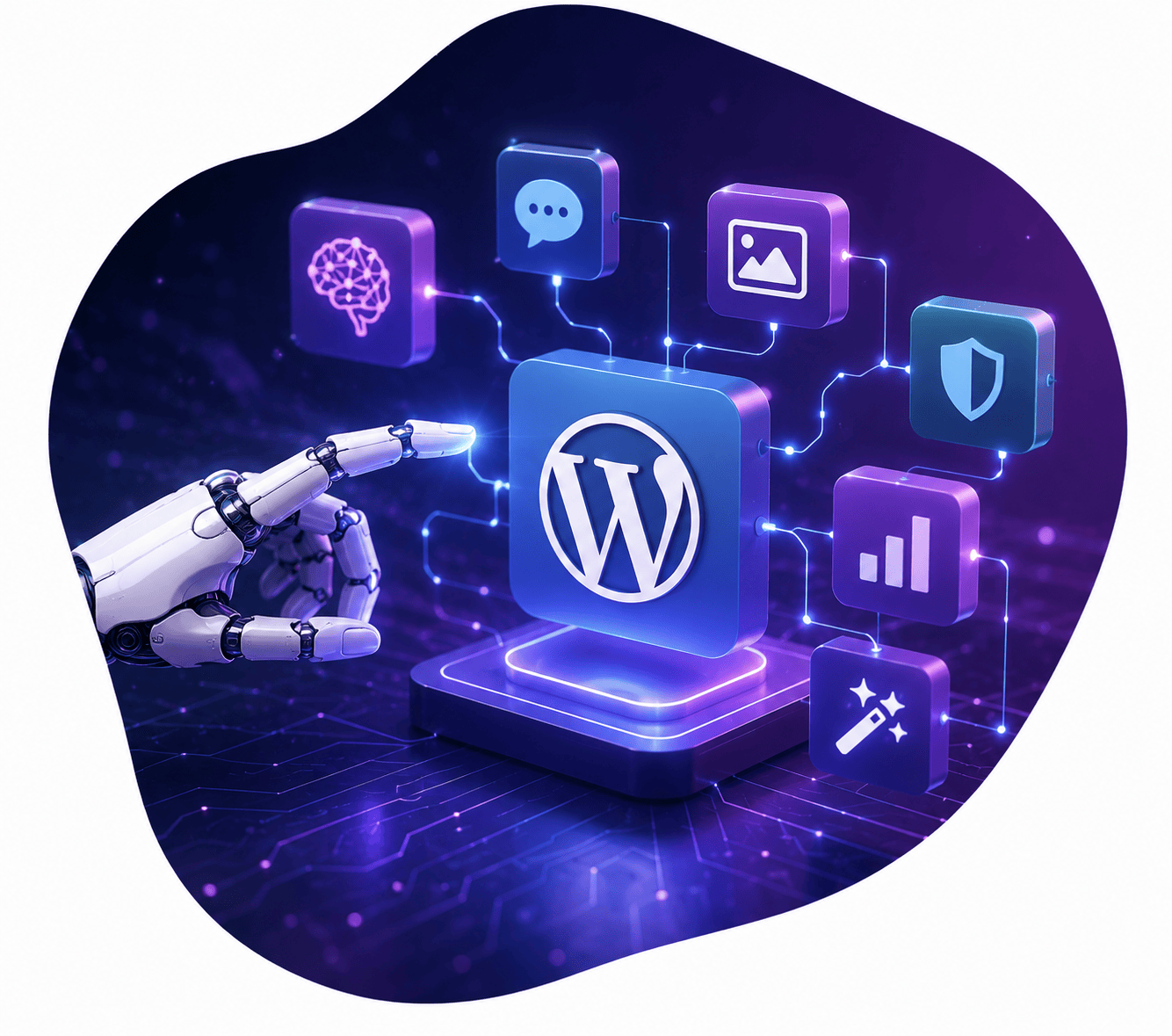



If you’re running a business website on WordPress, you already know content is king. But creating, optimizing, scheduling, and promoting that content every single week? That’s exhausting.
The good news: you don’t have to do it manually anymore. Content automation tools can handle everything from drafting blog posts with AI to scheduling social media shares, optimizing for search engines, and even repurposing content across channels. In 2026, these tools are faster, smarter, and more affordable than ever.
In this guide, we’ll walk you through the best content automation platforms for WordPress, how to build a workflow that actually works, and which tools are worth your money. Whether you’re a solopreneur or managing a team, you’ll find a system that fits.
Why Content Automation Matters in 2026
Content marketing is no longer optional for business websites. Google rewards websites that publish frequently and consistently. Your competitors are publishing. Your customers expect regular updates and fresh information.
But consistency takes time. A single blog post – from research to publishing to promotion – can easily take 3–5 hours. Multiply that by 4 posts per month, and you’re looking at 12–20 hours of pure content work. That’s time you could spend on sales, client delivery, or strategy.
Content automation doesn’t replace your strategic thinking or your brand voice. What it does is handle the repetitive, time-consuming parts: drafting initial content with AI, optimizing it for SEO, scheduling it to publish, sharing it across social channels, and repurposing it into new formats. When you automate the mechanics, you get to focus on the creative and strategic decisions that actually move the needle.
1. What Is Content Automation (and What It’s Not)
Content automation is using software to handle repetitive content tasks automatically or semi-automatically. This includes:
- AI-powered drafting: Using tools like Jasper or Copy.ai to generate blog post outlines or full first drafts
- Automated scheduling: Publishing blog posts at optimal times without manual publishing
- Auto-distribution: Sharing blog posts to social media channels automatically
- SEO automation: Using plugins to optimize posts for keywords and search engine best practices
- Content repurposing: Converting blog posts into emails, social posts, or downloadable assets with minimal work
What content automation is not: It’s not a way to publish “set it and forget it” low-quality content. It’s not a replacement for knowing your audience or having a coherent content strategy. And it’s not a shortcut to ranking on Google (Google can tell when content is obviously AI-generated with zero human review, and it won’t rank it).
What this means for your website:
2. AI Writing Tools That Integrate with WordPress
The AI writing tools that get the most buzz are Jasper, Copy.ai, and SurferSEO. Here’s what actually works:
Jasper is a purpose-built AI writing platform that trained on thousands of high-performing blog posts and sales copy. You can use it standalone (write on Jasper, copy-paste into WordPress) or integrate it loosely with WordPress via its API or browser plugin. Jasper is excellent for blog outlines, expansion of existing sections, and brand voice consistency because you can train it on examples of your own writing. Pricing starts at $39/month for individuals; teams pay $125+/month.
The honest truth: Jasper outputs are usually 60–70% there. You’ll need to edit for accuracy, voice, and flow. But for creating a strong first draft or expanding bullet points into paragraphs, it’s a genuine time-saver. Downsides: it’s subscription-only (no pay-as-you-go), and the learning curve to get good results is real.
Copy.ai is faster and cheaper than Jasper. It’s more template-based (you pick “Blog Outline,” “Product Description,” etc.) and gives you quicker, more concise results. You won’t get the depth of Jasper, but you also won’t need to spend time training it. Copy.ai is best for generating variations, headlines, and short-form content. Pricing is about $49/month for unlimited access, or $0.10 per API call if you’re integrating it.
The honest truth: Copy.ai is a lighter tool. If you’re writing in-depth, strategic content, you’ll feel the limitations. But for headlines, meta descriptions, social media captions, and call-to-action copy, it’s fantastic and fast.
SurferSEO takes a different angle: it’s part AI writing tool, part SEO research platform. You enter a keyword, Surfer analyzes the top-ranking pages, and gives you recommendations for structure, word count, and keyword usage. Then it writes sections for you based on that research. The AI writing is more “guided by data” than creative, which means it’s excellent for informational content that needs to rank but less good for opinionated or brand-forward pieces. Pricing starts at $89/month.
The honest truth: If SEO performance is your primary goal, Surfer’s integrated research + writing workflow is hard to beat. If you’re writing for thought leadership or brand building, you’ll feel constrained by its data-driven approach.
What this means for your website:
3. Automated Social Media Sharing
You finish your blog post. Now you need to share it across LinkedIn, Twitter/X, Instagram, and Facebook. If you’re doing this manually, that’s 4–6 posts to write and schedule. With automation, you can have those channels populated in minutes.
Automatic sharing plugins for WordPress include:
- Social Auto Poster ($99/year): Automatically creates and schedules social posts when you publish a blog post. You can set different templates for different channels (LinkedIn post looks different than a Twitter post). The AI can generate captions and variations.
- Buffer integration: Buffer is a standalone social scheduling tool, but you can integrate it with WordPress so that when you publish a post, a notification goes to Buffer and you can quickly schedule it to all platforms.
- Hootsuite: Similar to Buffer. More enterprise-focused, but integrates with WordPress for easy post-to-social workflows.
The smarter approach: Don’t just auto-post the same caption to every platform. LinkedIn professionals respond to different messaging than Twitter users. Spend 2 minutes customizing the post for each platform, then let the scheduler handle timing. This is where tools like Social Auto Poster shine – you can create platform-specific templates.
What this means for your website:

4. Email Newsletter Automation from Blog Posts
A blog without an email list is like a store without customers walking in the door. Email is still the highest-ROI marketing channel for most businesses, and automating your blog-to-email workflow is one of the easiest wins.
WordPress + email automation platforms:
- ConvertKit ($29+/month): Designed for creators. Pulls your latest blog posts automatically and can send them as email digests on a schedule you choose.
- ActiveCampaign ($15+/month): Heavyweight CRM + email platform. Can trigger emails based on blog categories, automatically segment readers by interests, and nurture them with related content.
- Mailchimp (free for small lists): Simpler than ActiveCamparison but works. Can automatically send new blog posts to your subscribers.
- The simplest approach: Use RSS-to-email tools like Zapier or Substack. Connect your WordPress RSS feed, and new posts automatically go to your email list. Costs $20/month.
The honest workflow: Even with automation, you’ll want to add a personal note or context to your email digest. That takes 3 minutes. But you’re not writing or formatting the email – the system handles all of that.
What this means for your website:
6. Automated SEO Optimization
Google’s algorithm has gotten smarter about rewarding well-structured, comprehensive content. Tools that automate SEO optimization can analyze your posts and suggest improvements, and sometimes make those improvements automatically.
RankMath AI ($15–$240/month depending on plan): RankMath is an SEO plugin for WordPress that includes AI-powered content optimization. When you write a post, RankMath analyzes your target keyword and compares your post to top-ranking results. It then suggests: optimal word count, which related keywords to include, structure recommendations, and readability improvements. RankMath’s AI can also auto-generate meta titles and meta descriptions – and they’re usually good enough to use without editing.
The honest assessment: RankMath is the best SEO plugin on the market right now, AI or not. The recommendations are accurate and based on real ranking data. Downside: it’s one more thing to check before publishing, and if you’re not familiar with SEO, the recommendations can feel overwhelming.
Yoast AI ($15/month add-on to Yoast SEO): Yoast has been the SEO plugin standard for years. Its new AI feature focuses on content optimization and can generate SEO-friendly titles and descriptions. Yoast is simpler and less aggressive than RankMath – it won’t overwhelm you with 50 suggestions. Downside: you might miss optimization opportunities that RankMath would catch.
Practical approach: Use one plugin (RankMath or Yoast), set a time budget (5 minutes per post), and apply the top 3 suggestions. Don’t try to hit every optimization recommendation – aim for good enough.
What this means for your website:
7. Content Scheduling and Editorial Calendar Tools
A scattered content calendar is the enemy of consistency. You publish when you feel like it, then go three months without posting. Automated scheduling fixes this.
WordPress-native scheduling: WordPress has built-in post scheduling. You can write a batch of posts and schedule them to publish every Monday at 9 a.m. for the next three months. This single feature eliminates the “I forgot to publish” problem.
Editorial calendar tools with automation:
- CoSchedule ($35+/month): Gantt-chart-style calendar. You can plan your content months in advance, assign to team members, and set posts to auto-publish. CoSchedule also integrates social scheduling, so you schedule the post and the social promotions at the same time.
- Asana or Monday.com (free-$150/month): General project management, but many content teams use these to manage editorial calendars. Not WordPress-specific, but they integrate via Zapier.
- Google Calendar + Zapier (free + $20/month for Zapier): The scrappy approach. Set up a Google Calendar for your publishing schedule, use Zapier to watch for events, and trigger WordPress to publish posts automatically. It works, but feels DIY.
What this means for your website:
8. AI Image Generation for Blog Posts
Blog posts without images underperform. But sourcing images (stock photos, custom graphics, screenshots) is time-consuming. AI image generation tools have gotten genuinely good.
AI image tools that work for blog posts:
- Midjourney ($10–$96/month): Produces the highest-quality images. Requires a Discord account and some learning, but the results are stunning. Best for featured images or hero graphics.
- DALL-E 3 ($15/month via ChatGPT Plus): Built by OpenAI. Fast, integrates with ChatGPT (you can prompt in chat and get images). Good for illustrative graphics and diagrams. Easier learning curve than Midjourney.
- Canva AI ($120/year for Canva Pro): Integrated into Canva’s design tool. Less powerful than Midjourney/DALL-E, but if you’re already using Canva for graphics, this is the obvious choice.
The practical workflow: Generate 3–5 image options using DALL-E or Midjourney, pick your favorite, download, and insert into your blog post. Takes 5 minutes total. Much faster than searching stock photo sites and finding “good enough” images.
Disclaimer: Google still prefers “original” images over AI-generated ones (it can help differentiate your site), but an AI image is infinitely better than a generic stock photo.
What this means for your website:
9. Building Your Automation Stack: A Simple Workflow
You don’t need to use every tool mentioned in this article. Here’s a lean stack that covers 80% of the work in about 20% of the time:
The 5-tool stack:
- Jasper or Copy.ai ($49–$99/month): Generate blog post outlines and draft content. Time: 30 minutes per post (instead of 2 hours of blank-page writing).
- RankMath SEO ($15/month): Analyze and optimize each post for target keyword. Time: 5 minutes per post.
- WordPress built-in scheduling (free): Batch-write and schedule posts to publish on a regular cadence. Time: 5 minutes per post.
- Social Auto Poster ($99/year): Automatically create and schedule social posts when you publish. Time: 5 minutes per post (customizing for each platform).
- Mailchimp or similar (free for small lists): Automatically email new posts to your subscriber list. Time: 3 minutes per post (adding personal context).
The workflow in practice:
- Sunday evening (2 hours total): Open Jasper, generate outlines for your next 4 blog posts (about 15 minutes). Write or edit drafts (1.5 hours).
- Monday morning (45 minutes total): Optimize each post with RankMath (5 min each), create social variations with Social Auto Poster (5 min each), customize email intro (3 min each).
- Scheduled publishing: Posts publish automatically Tue/Wed/Thu/Fri at 9 a.m. Social posts go out automatically. Emails are sent automatically. Zero additional work that week.
Compare this to the old way:
- Manual workflow: Write one post (2 hours), optimize it (30 min), publish it (5 min), share to social (6 different posts, 15 min), email it to your list (10 min), follow up on comments (20 min). Total: 3 hours 20 minutes for one post.
With automation, you spend roughly 1 hour on a batch of four posts, instead of 13+ hours.
What this means for your website:
Final Thoughts
Content automation isn’t about cutting corners or publishing mediocre content. It’s about respecting your time and focusing on the parts of content creation that require your unique expertise: strategy, voice, and ensuring accuracy.
The best content automation workflows combine AI tools with human judgment. AI drafts, humans edit. AI suggests, humans decide. AI publishes on schedule, humans engage with comments and questions.
Start with one tool (probably Jasper or Copy.ai for drafting), use it for three blog posts, and get comfortable with it before adding another layer of automation. The temptation is to set up a complex system all at once. The reality is that the best automation is the one you actually use consistently.
Your content strategy in 2026 doesn’t have to mean 20 hours per week of content work. With the right tools and system, it means 5–6 hours of strategic, creative thinking, with the rest handled by automation.
Ready to Build a Website That Works Harder for Your Business?
At Sayenko Design, we build custom WordPress websites for service businesses across the US. Whether you’re starting from scratch or redesigning an outdated site, we help you turn your website into a lead-generation machine.
Frequently Asked Questions About Content Automation
Learn the Correct Web Design Process
Get a one page PDF on what a professional web design process looks like. Fill out the form below.
Learn the Correct Web Design Process
Get a one page PDF on what a professional web design process looks like. Fill out the form below.