
How AI Is Changing Web Design in 2026 (What Business Owners Need to Know)
How AI Is Changing Web Design in 2026 (What Business Owners Need to Know)


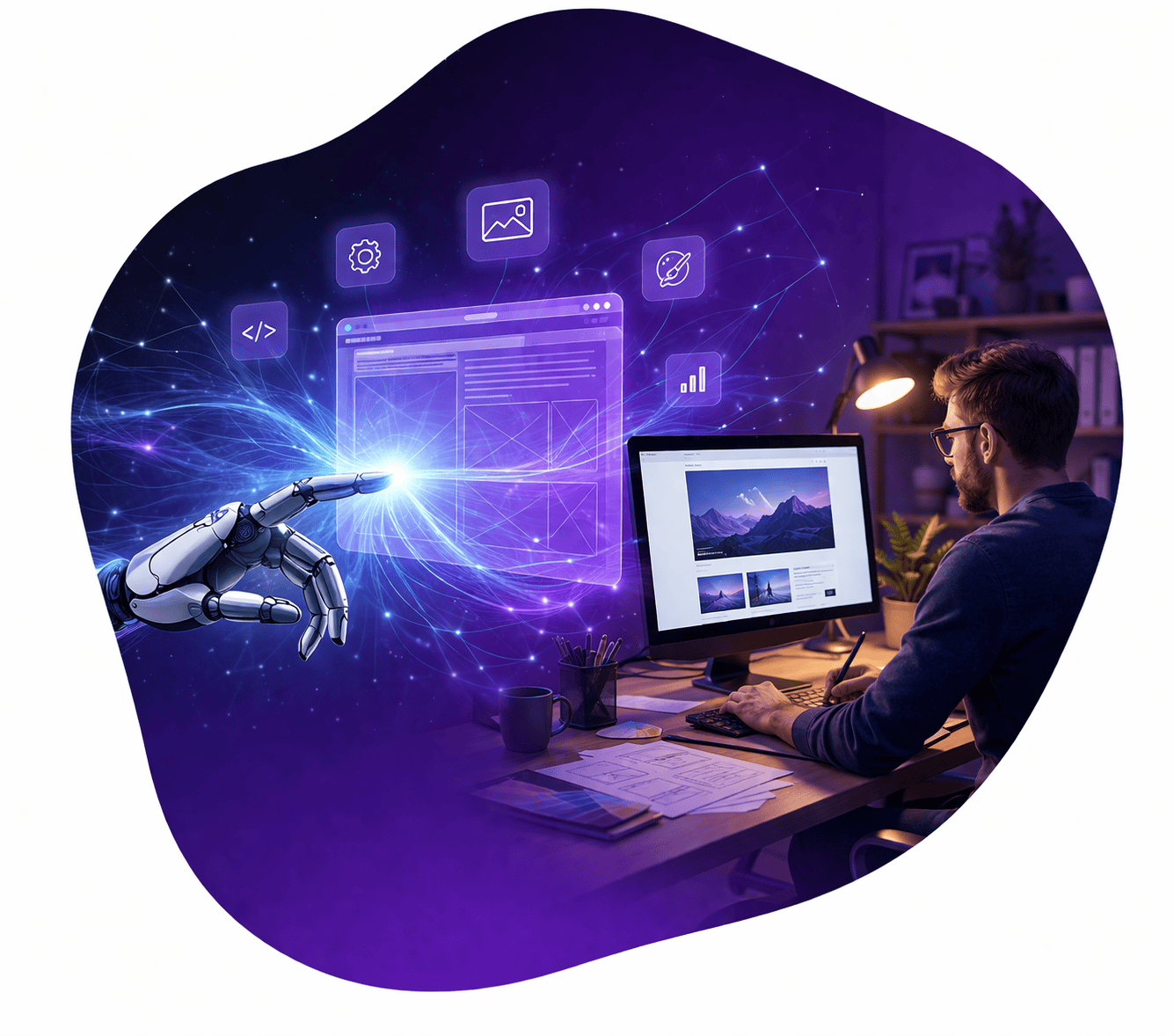
If you’ve been paying attention to the web design world, you’ve heard the buzz: AI is here, it’s changing everything, and if you’re not paying attention, you might get left behind. But here’s the thing, AI web design isn’t about robots replacing your website. It’s about smarter tools that make websites faster to build, more personalized, and better at turning visitors into customers. In 2026, the question isn’t whether AI is affecting web design. The question is: How do you use these tools to stay competitive?
Whether you’re running a plumbing company, a law firm, or a digital marketing agency, your website needs to work harder for your business. The web design landscape has shifted. AI web design tools are now mainstream, and they’re reshaping how sites get built, optimized, and managed. Some changes are huge. Others are quietly making websites more effective at what they’re supposed to do: generate leads, build trust, and make sales easier.
Why AI Web Design in 2026 Matters for Business Websites
The web is more crowded than ever. Your competitors have websites. Your customers expect fast-loading pages, personalized experiences, and mobile-first design. A few years ago, achieving that required hiring expensive developers and designers. Now, AI tools can handle parts of that work automatically. This doesn’t mean professional design is dead. It means professional designers are using AI to do more with less time, and business owners have more options than ever before.
Here’s what’s changed: AI tools in 2026 are no longer just playing around with design. They’re being used by professional agencies (including us) to speed up workflows, test variations faster, and optimize for conversion. At the same time, DIY website builders are using AI to help small business owners build decent websites without hiring a designer. The net result? Websites are getting better, faster, and more strategic across the board. The businesses that ignore this shift will fall behind.
1. AI-Powered Design Generation
One of the biggest shifts in artificial intelligence web design is that you can now describe what you want, and AI will generate layout options for you. Tools like Webflow’s AI capabilities, generative design systems, and AI plugins for WordPress can look at your industry, your brand, and your goals, then suggest design approaches that actually make sense for your business type.
Here’s what that looks like in practice: Instead of a designer starting with a blank canvas, they run a brief through an AI tool. The tool generates 5-10 layout variations based on what works for similar businesses. The designer then picks the best foundation and customizes it. This cuts hours off the initial design phase. More importantly, these AI suggestions aren’t random – they’re based on what converts well for your industry.
This matters for business owners because faster design = faster time to market. If you’re rebuilding your site to attract more leads, you want to launch soon. AI design generation isn’t about making your website look generic (good AI tools avoid that). It’s about giving designers a smarter starting point so they can focus on making your site unique and effective.
What this means for your website: You’ll likely see faster project timelines and lower design costs, since designers spend less time on initial concepts and more on refinement and strategy.
Who it’s for:
2. Automated Personalization at Scale
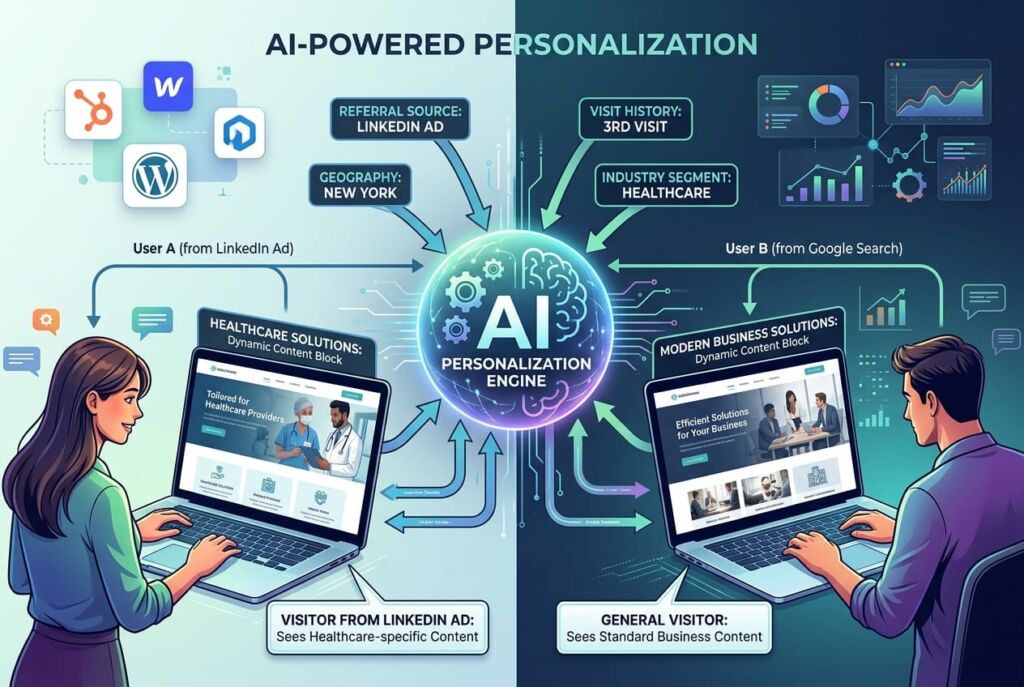
Personalization used to require complex programming and data infrastructure. Now, AI can watch how different types of visitors behave on your site and automatically adjust the experience for them. A first-time visitor might see different content than a repeat visitor. Someone from a specific geographic region might see localized offers. A visitor who came from a Google ad for a specific service might see content tailored to that service first.
This happens in real-time, and it doesn’t require you to manually set up hundreds of different page variations. The AI learns from user behavior and optimizes on its own. Tools like conversion rate optimization platforms, advanced CMS systems, and AI-driven personalization engines now handle this automatically.
For business owners, this means your website is working smarter to match what each visitor actually needs. Someone looking for emergency plumbing doesn’t need to see your maintenance plans. A business considering a redesign doesn’t need to see your portfolio of e-commerce sites. AI personalization keeps the focus tight and relevant.
What this means for your website: Higher conversion rates because visitors see what’s most relevant to them, faster, without friction.
Who it’s for:
3. AI Content Writing & Optimization Tools
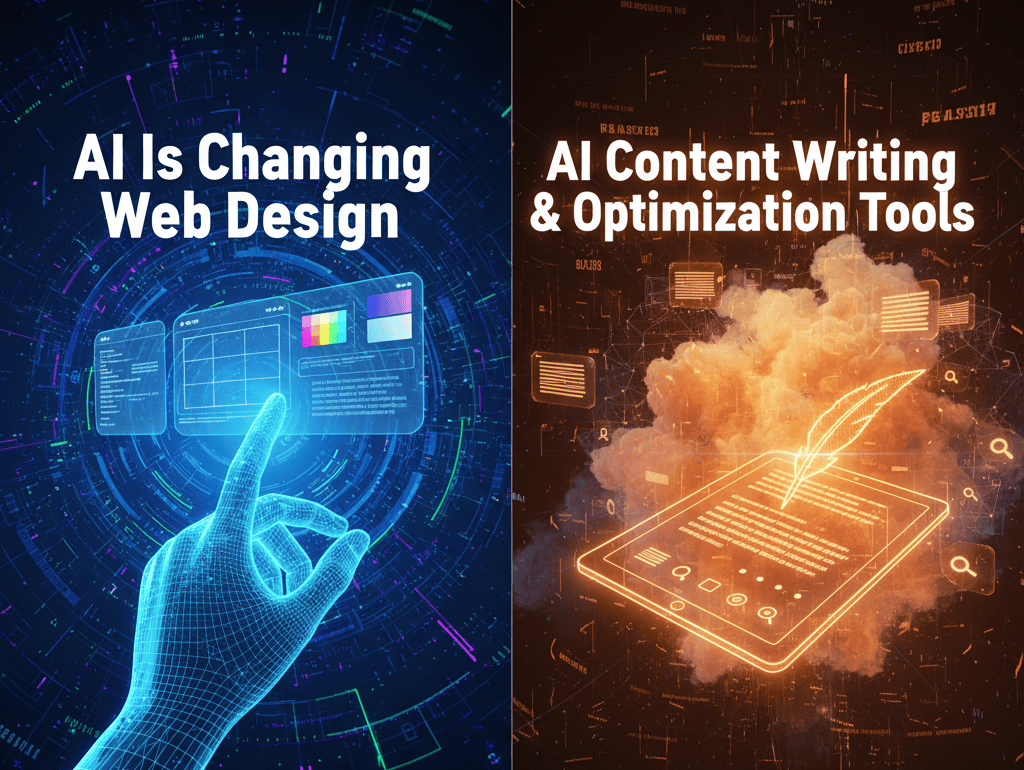
AI writing tools have come a long way. They’re no longer just for generating basic web copy, they’re now smart enough to write blog posts, product descriptions, service pages, and email sequences that actually sound human and match your brand voice. Tools like ChatGPT, specialized AI writing platforms, and custom integrations can draft content that a human editor then refines.
More importantly, these tools understand SEO. They can suggest which keywords to include naturally in your content, how to structure articles for search engines, and what kind of content typically ranks for your target keywords. This doesn’t replace a good copywriter or content strategist, but it dramatically speeds up the process. A writer who used to spend 8 hours on a blog post can now spend 4 hours writing better, more optimized content.
The honest truth: AI-generated content that gets published without human review sounds generic and can hurt your credibility. But AI-generated drafts that a skilled writer edits into something great? That’s a game-changer.
What this means for your website: More frequent content updates, better SEO optimization, and faster time-to-publish for blog posts and service pages.
Who it’s for:
4. Chatbots and Conversational UI
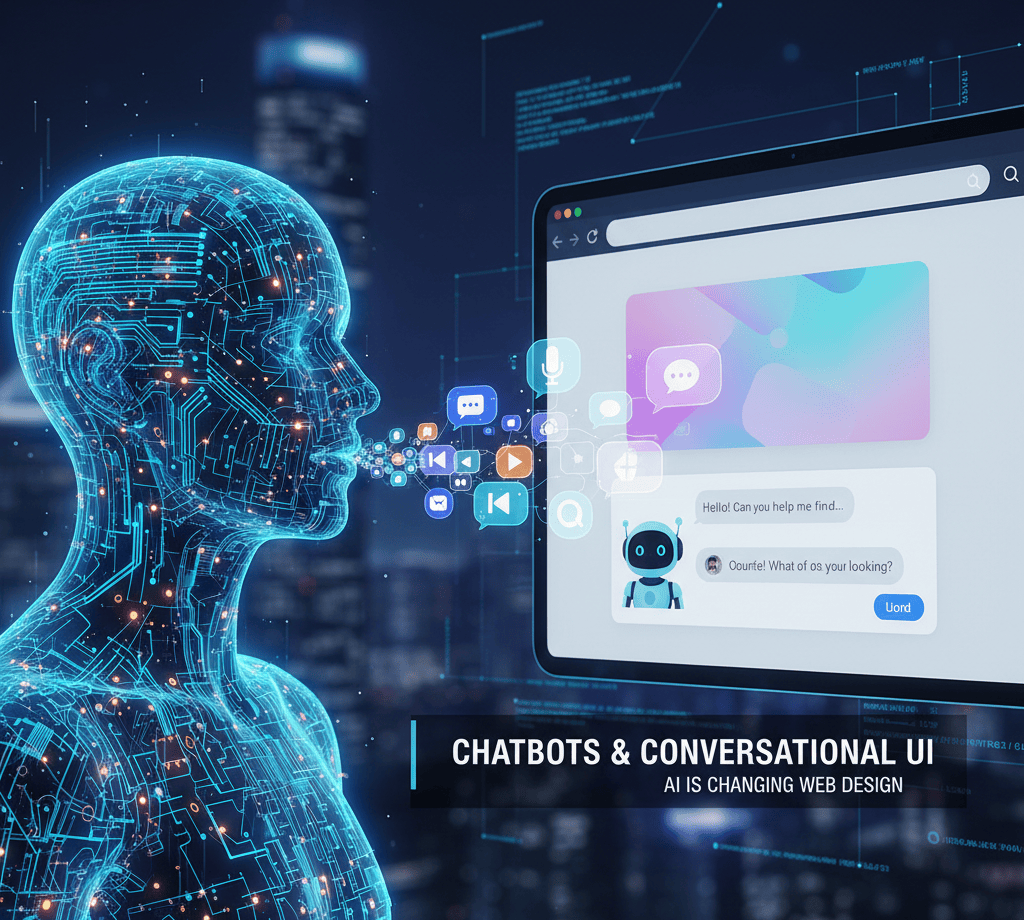
Chatbots have been around for years, but they’ve gotten dramatically smarter. Modern AI chatbots can actually understand what a visitor wants and help them find it – or connect them with a person if they need more help. They’re not just FAQ bots anymore. They’re mini customer service teams that work 24/7.
A visitor lands on your site at 2 AM with a question about your services. The chatbot answers it, qualifies them as a lead, and schedules them for a call. That wouldn’t happen without a chatbot. Even in business hours, a smart chatbot filters out low-intent visitors and focuses your sales team on real opportunities.
The key difference in 2026: chatbots are finally getting out of the way when they should. If a visitor clearly needs a human, the bot hands them off without friction. This balance is what makes modern conversational UI actually useful instead of just annoying.
What this means for your website: 24/7 lead qualification, faster response times, and fewer potential customers who bounce because no one answered their question.
Who it’s for:
7. AI SEO Tools
SEO used to be a guessing game. You’d write for keywords, hope you got them right, and wait months to see if you ranked. AI SEO tools have changed that game. They can analyze your top competitors’ content, identify keywords you should be targeting but aren’t, and suggest content gaps you could fill.
These tools understand search intent in ways that older keyword tools couldn’t. They know that when someone searches “best plumber near me,” they’re not looking for a blog post – they’re ready to hire. AI SEO tools help you create content that matches that intent, which means it’s more likely to convert.
Some AI SEO tools can even auto-generate content briefs for your writers, audit your site for technical SEO issues, and identify backlink opportunities. The result is that small businesses can now do SEO work that used to require hiring an expensive agency.
What this means for your website: Better search visibility, more organic traffic, and less time spent guessing at keyword strategy.
Who it’s for:
8. Where Human Designers Still Win
Here’s what AI can’t do (yet): It can’t understand your specific business strategy, your competitive position, or your long-term vision. It can’t interview your customers and figure out what actually matters to them. It can’t make strategic decisions about brand positioning. It can’t create something genuinely original.
The best websites in 2026 are built by teams that use AI as a tool, not a replacement. A human designer still needs to set direction. A strategist still needs to understand your business. A copywriter still needs to make your unique value clear. What’s changed is that they can do all of that faster, and with better data backing up their decisions.
AI is incredible at optimization. It’s good at speed. It’s helpful at handling repetitive tasks. But creativity, strategy, and deep business understanding? That’s still human work. The designers and agencies winning in 2026 are the ones who understand how to leverage AI while still doing the strategic thinking that separates good websites from great ones.
What this means for your website: The best websites are built by teams that combine AI tools with human judgment. If you hire someone who only knows how to use AI, you’ll get an average website. If you hire someone who uses AI strategically, you’ll get a powerful asset.
Who it’s for:
Final Thoughts
AI web design in 2026 isn’t about whether you use AI. It’s about how. The tools are here. They’re being used by professionals. They’re available to small business owners. The question isn’t “Should I use AI web design?” The question is “How do I use AI alongside good strategy and human creativity to build a website that actually works for my business?”
The websites that will dominate search results, convert visitors into customers, and scale over the next few years won’t be built by AI alone or by humans resisting AI. They’ll be built by teams that understand both. If you’re feeling lost in all this AI noise, that’s normal. The landscape is changing fast. But the fundamentals haven’t changed: Your website exists to generate leads, build credibility, and make it easy for customers to choose you. Everything else, including AI, is just a tool to get there faster.
Ready to Build a Website That Works Harder for Your Business?
At Sayenko Design, we build custom WordPress websites for service businesses across the US. We use AI strategically to move faster, but we never let automation replace strategy. Whether you’re starting from scratch or redesigning an outdated site, we help you turn your website into a lead-generation machine.
Frequently Asked Questions About AI Web Design
Learn the Correct Web Design Process
Get a one page PDF on what a professional web design process looks like. Fill out the form below.
Learn the Correct Web Design Process
Get a one page PDF on what a professional web design process looks like. Fill out the form below.